DRIVEVIEW
A single, integrated platform that unifies all marketing data for effortless, automated performance monitoring.
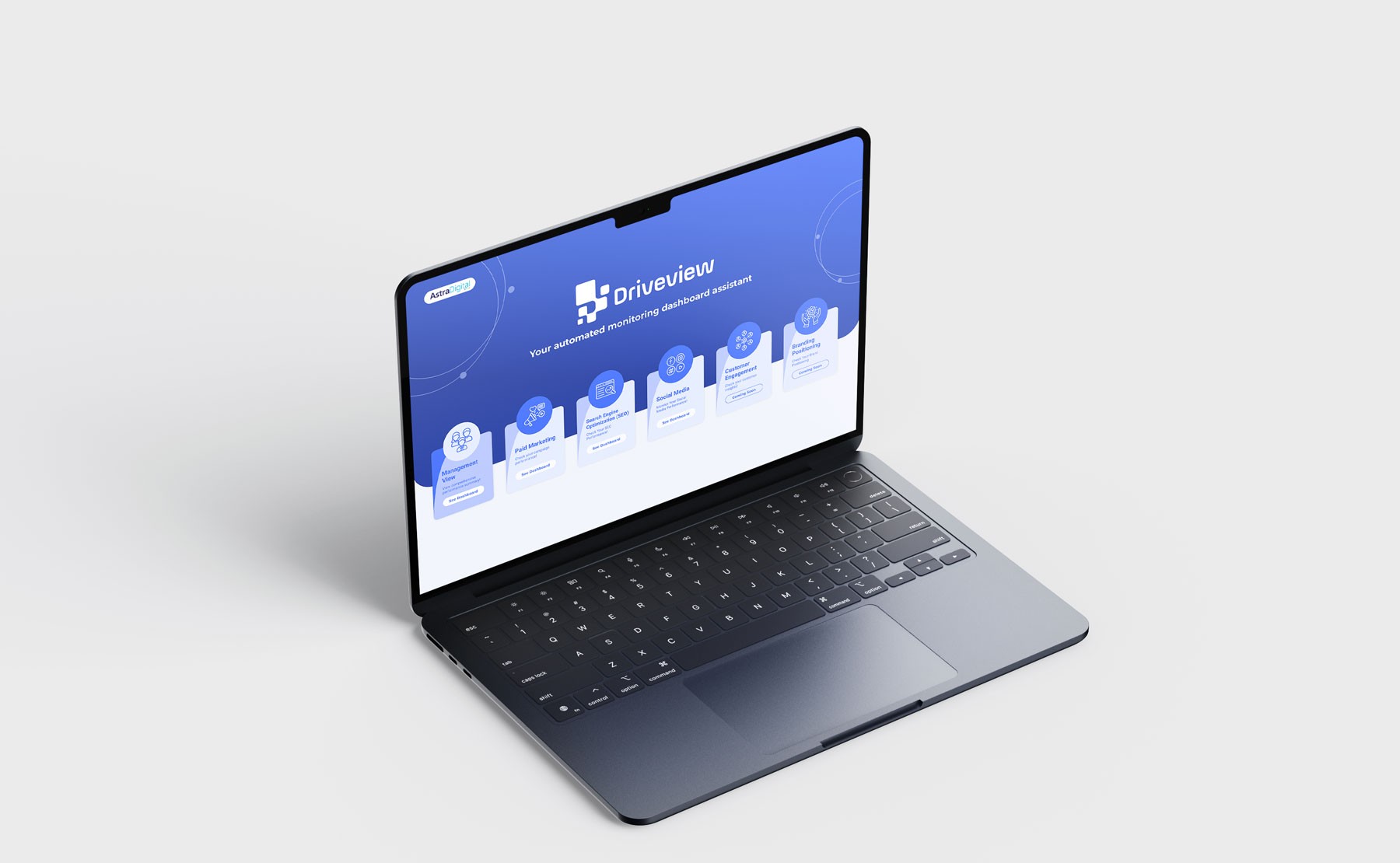
Preview the Dashboards
Click any dashboard to open a live preview of what DriveView surfaces for that channel.
Paid
Spend, ROAS and the highest-value channels in one commanding view.
Open preview →SEO
Tracked keywords, organic visibility and competitor difficulty.
Open preview →Social Media Performance
Engagement, follower growth and your top trending posts.
Open preview →Social Media Listening
Brand sentiment and viral, trending conversations to act on.
Open preview →Stop Wondering What's Possible
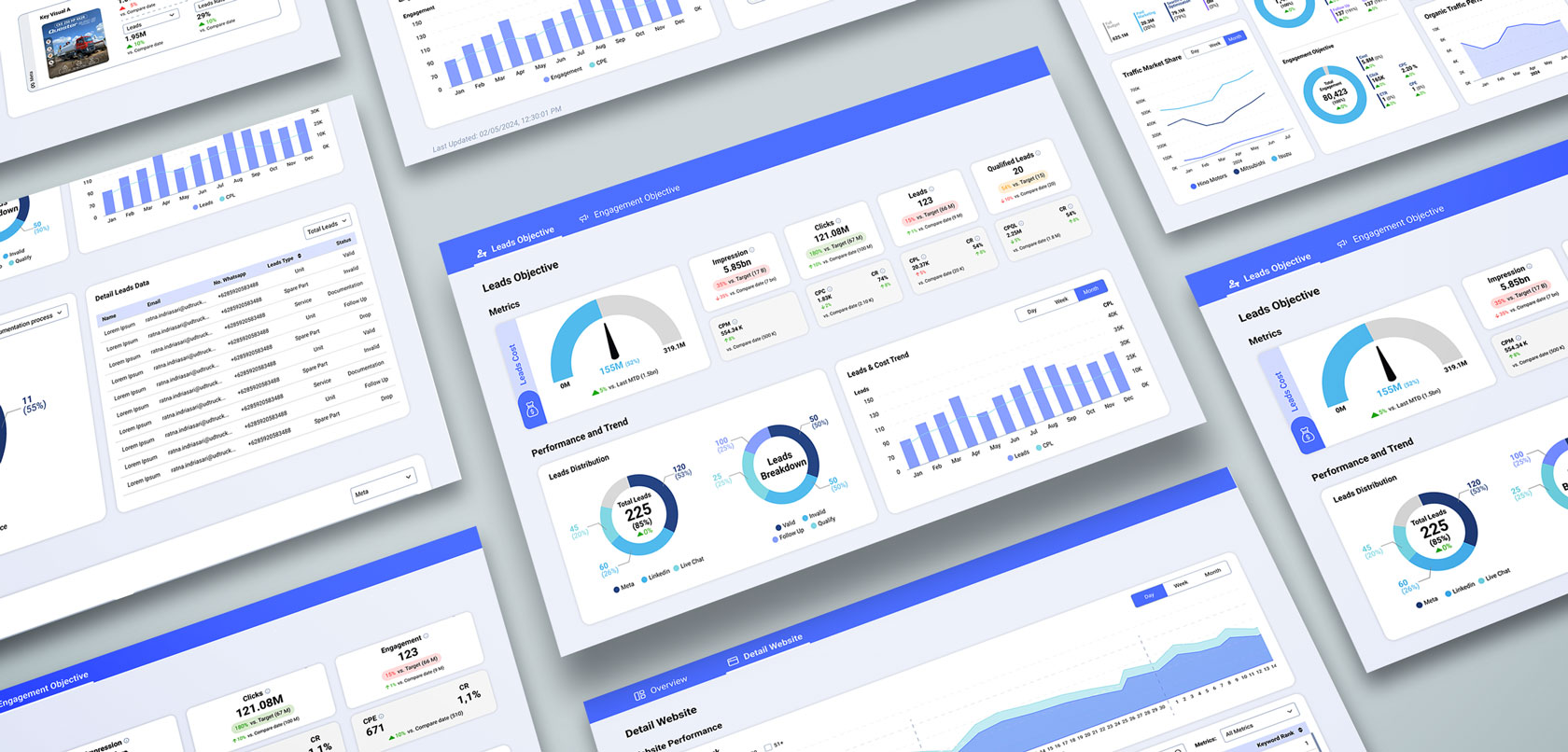
Explore the Solution in Action
Integrations
How DriveView uses Google Ads
DriveView brings a client's advertising, search and analytics performance into one workspace. Access is by invitation only. An administrator connects Google Ads by signing in with Google and allowing DriveView to access the Google Ads accounts that login manages.
What DriveView reads
Each account's name, currency, time zone and place under its manager account; each campaign's status, serving status, type, bidding strategy type and daily budget; and whether Google has approved or limited each ad. Historical performance comes from a data warehouse, not from this connection.
What DriveView changes
Only a change that a person with approval rights has reviewed and approved in DriveView: pausing a campaign, turning a paused campaign back on, or changing a campaign's daily budget. DriveView never creates or removes campaigns, and its AI assistant, Vision AI, can draft a change but never apply one.
Your control
An administrator can disconnect Google Ads in DriveView at any time, and the Google account that granted access can remove it from its Google Account permissions. OAuth tokens are encrypted at rest. DriveView's use of information received from Google APIs adheres to the Google API Services User Data Policy, including the Limited Use requirements.